
See how much gas your trip needs
Say you are taking an RV from the Grand Canyon to Zion. You want to know how much gas it takes before you go. Tell Motocamp your miles per gallon, just once. Every route then shows the gallons, and your trip plan splits them by day.
1Plan your route
Tap Menu, then tap the Route tab. Type Grand Canyon Village in Start location. Tap Add Stop and type Page. Tap Add Stop again and type Kanab. Type Springdale, by Zion, in End location. Put the stops in the order you'll drive them. Tap the right place in the list under each box. Then tap Plan Route.
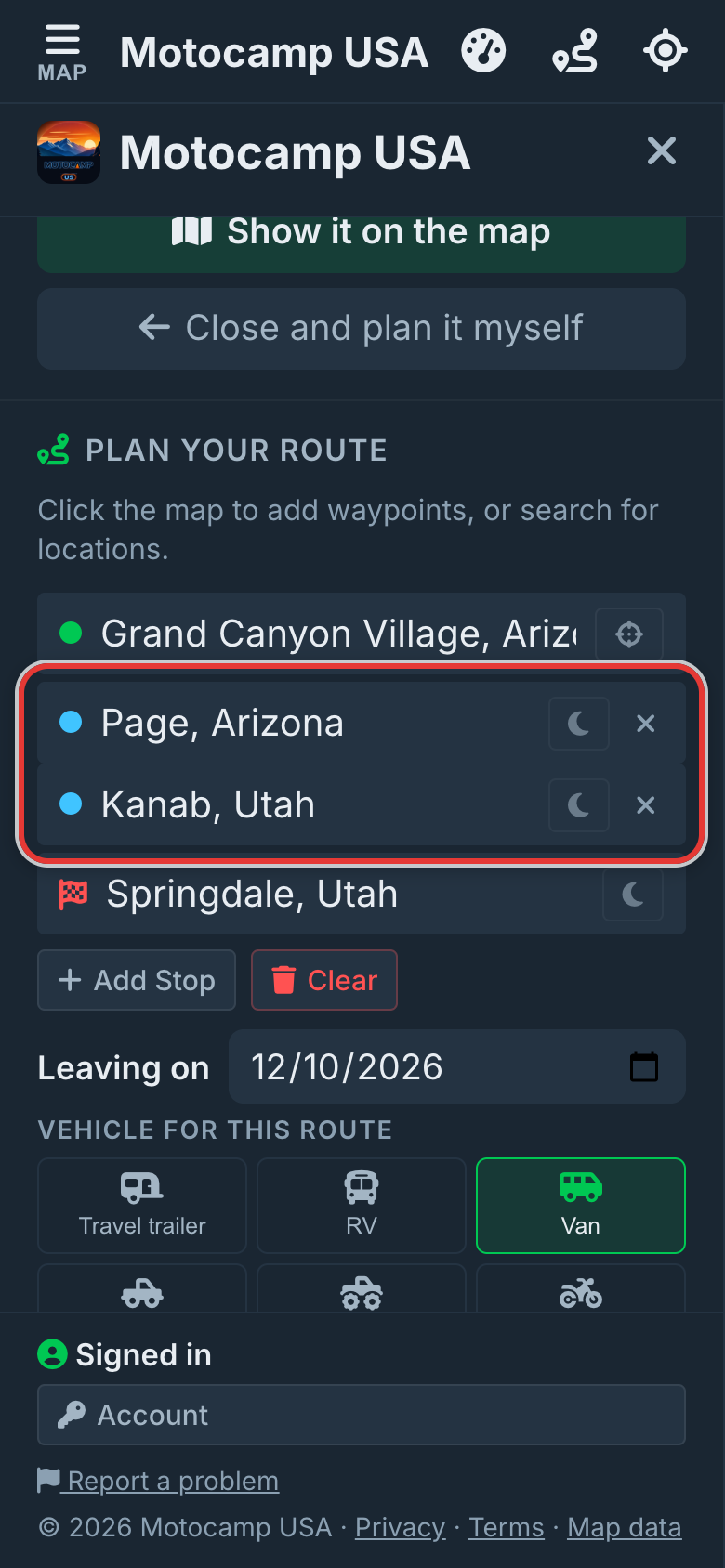
2Tap Add your fuel use
Look in the Route Summary, under your stops. There is a line with a gas pump. It says Add your fuel use to see how much fuel this trip needs. Tap it. You only do this once for each vehicle.
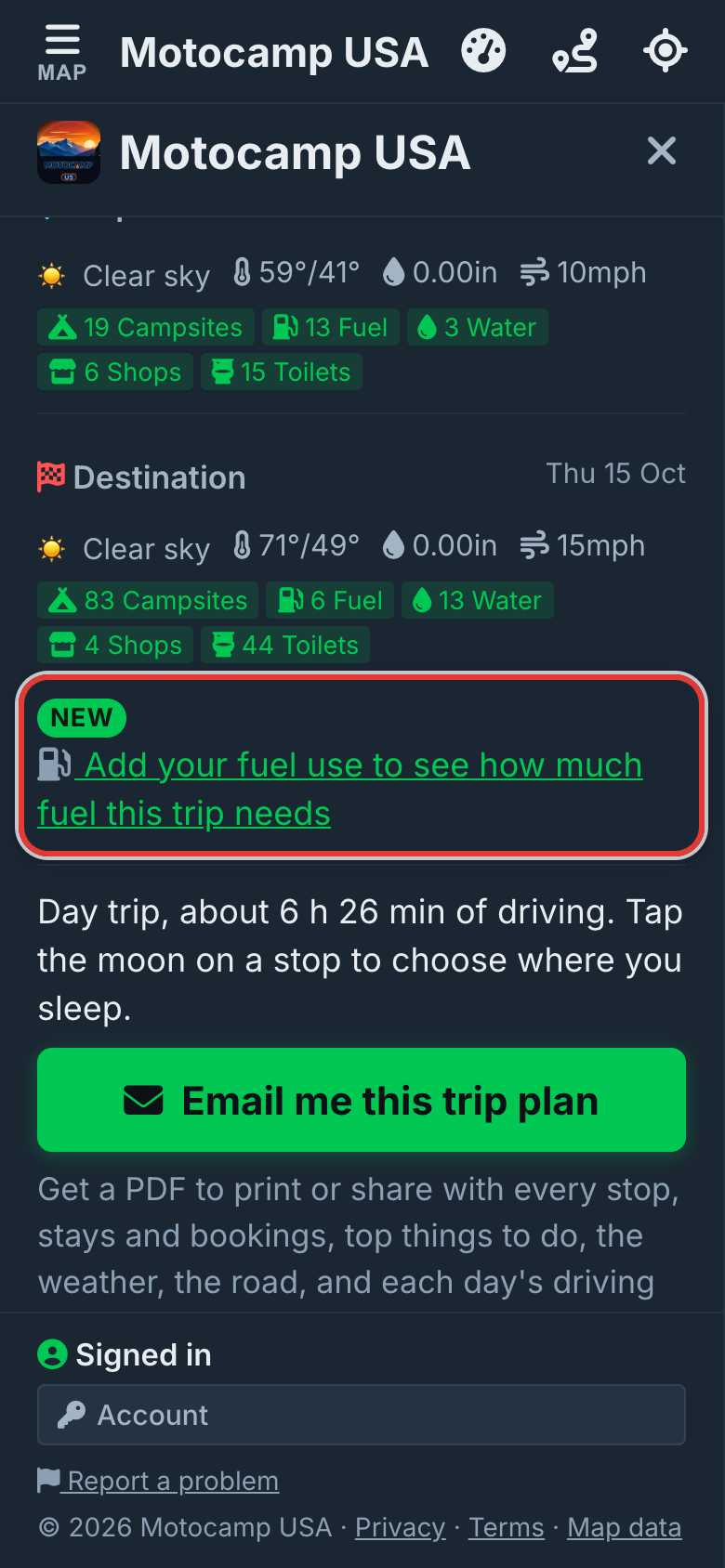
3Type your mpg, tap your fuel
A small card opens. Type how many miles your vehicle goes on one gallon. Your handbook or trip computer will tell you. Then tap the fuel it takes: Regular, Midgrade, Premium or Diesel. That saves it.
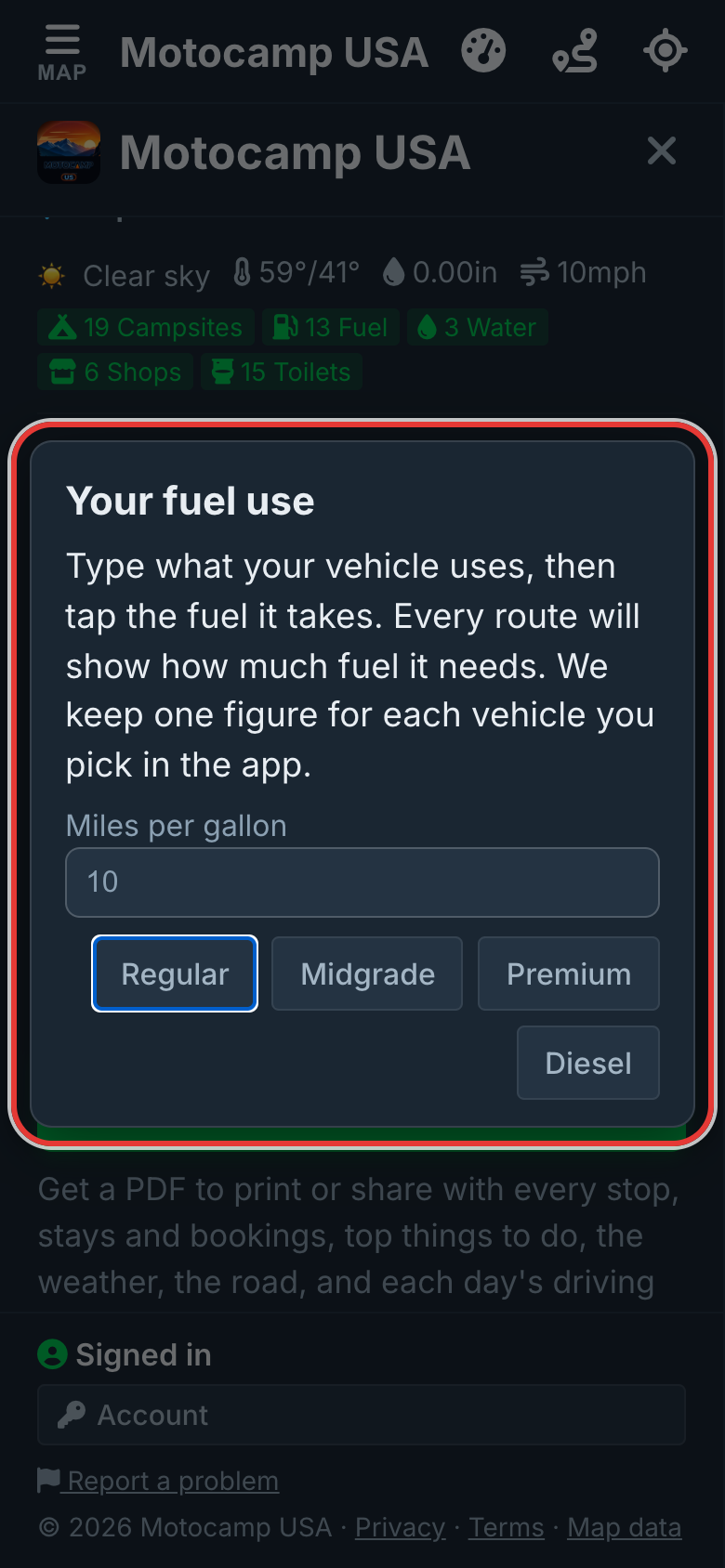
4See the gallons for the trip
The line now shows how many gallons the whole trip needs. Want a new number or a new fuel? Tap Change. The line changes for every route you plan.
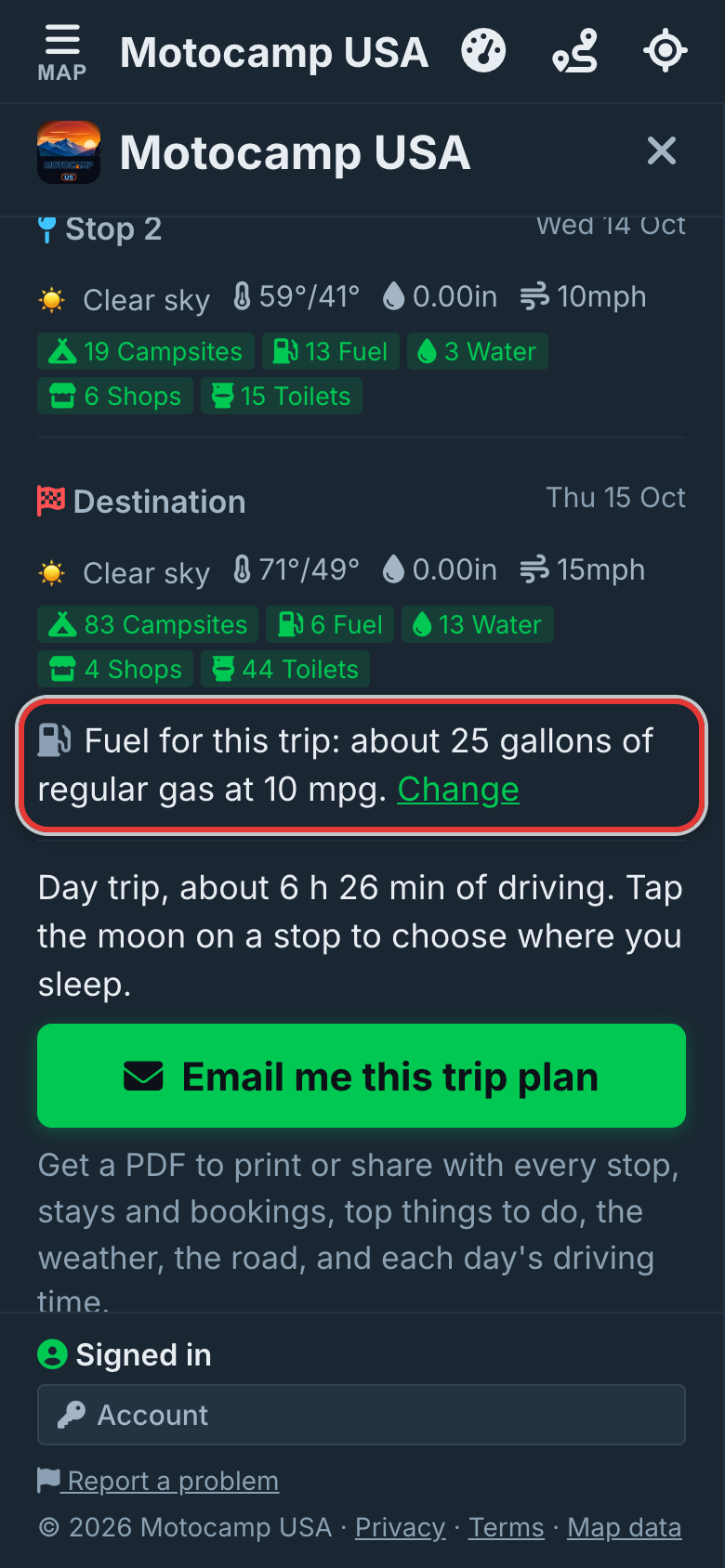
5Get the gallons for each day
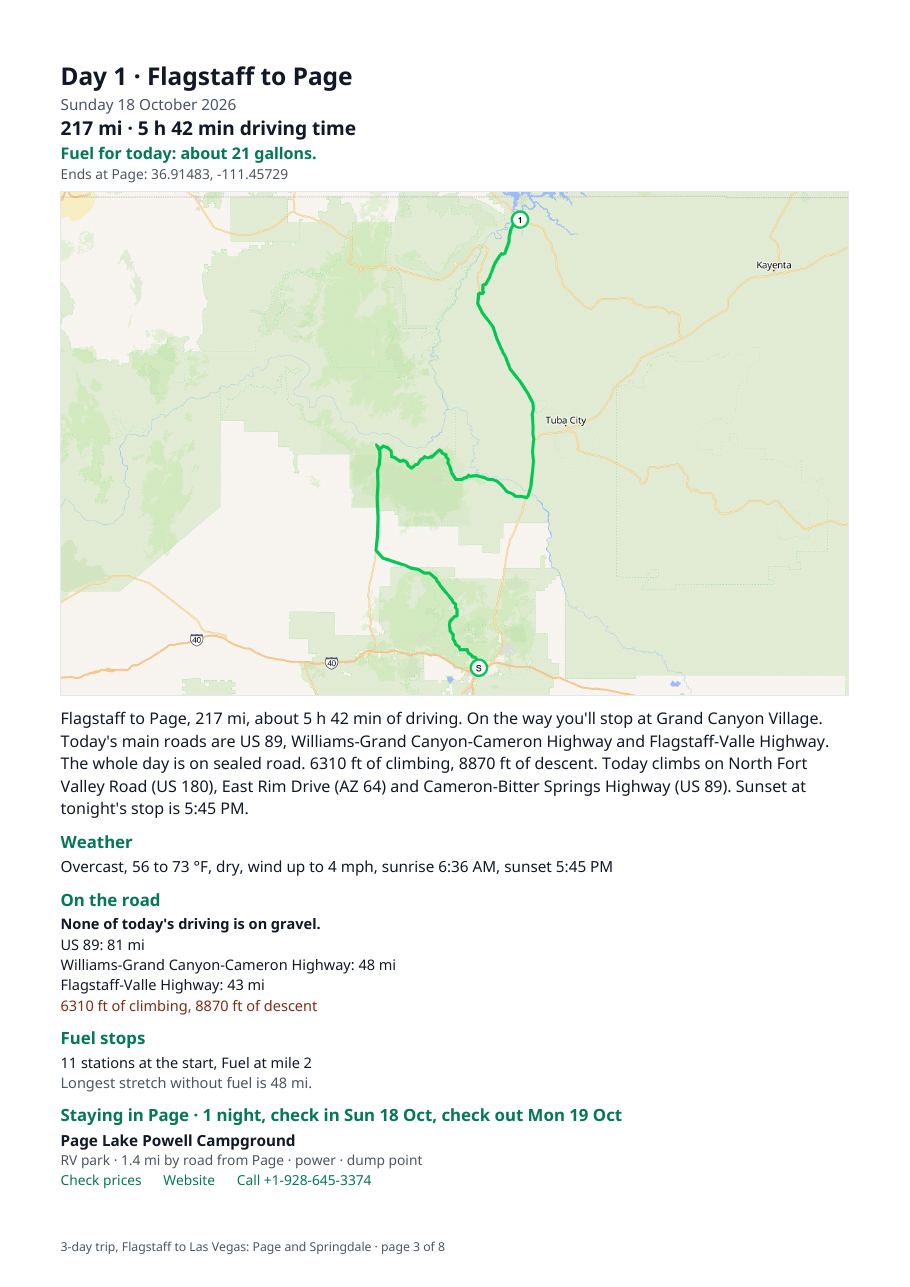
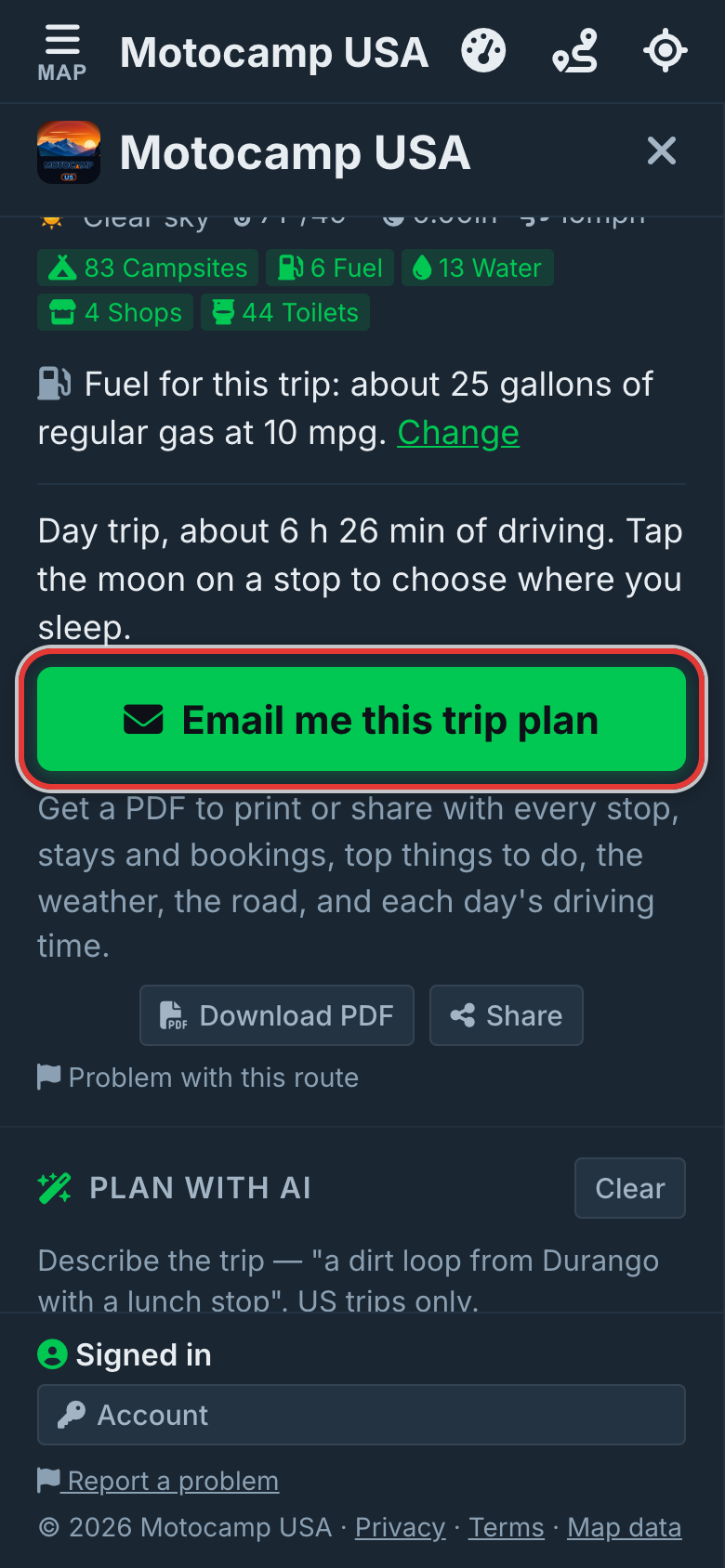
Tap Email me this trip plan, or Download PDF. The first page shows the fuel for the whole trip. The table of days has a Fuel column. Each day's page says how many gallons that day needs.
Good to know
The gallons come from the number you give and the length of the road. So treat them as a guide. A ferry uses no fuel, so it is left out. Each vehicle keeps its own number. Towing keeps its own number too. Your number stays on this phone or computer.
Also in the app: maps that work with no signal, campgrounds and free sites, and Plan with AI. It plans routes for eight kinds of vehicle, from an enduro bike to a 40-foot RV.