
Keep the map with no signal
Your phone loses signal halfway up the canyon, just when you need the map. Download the states on your trip before you leave. Then the map, route planning and the voice that calls your turns all work with no signal.
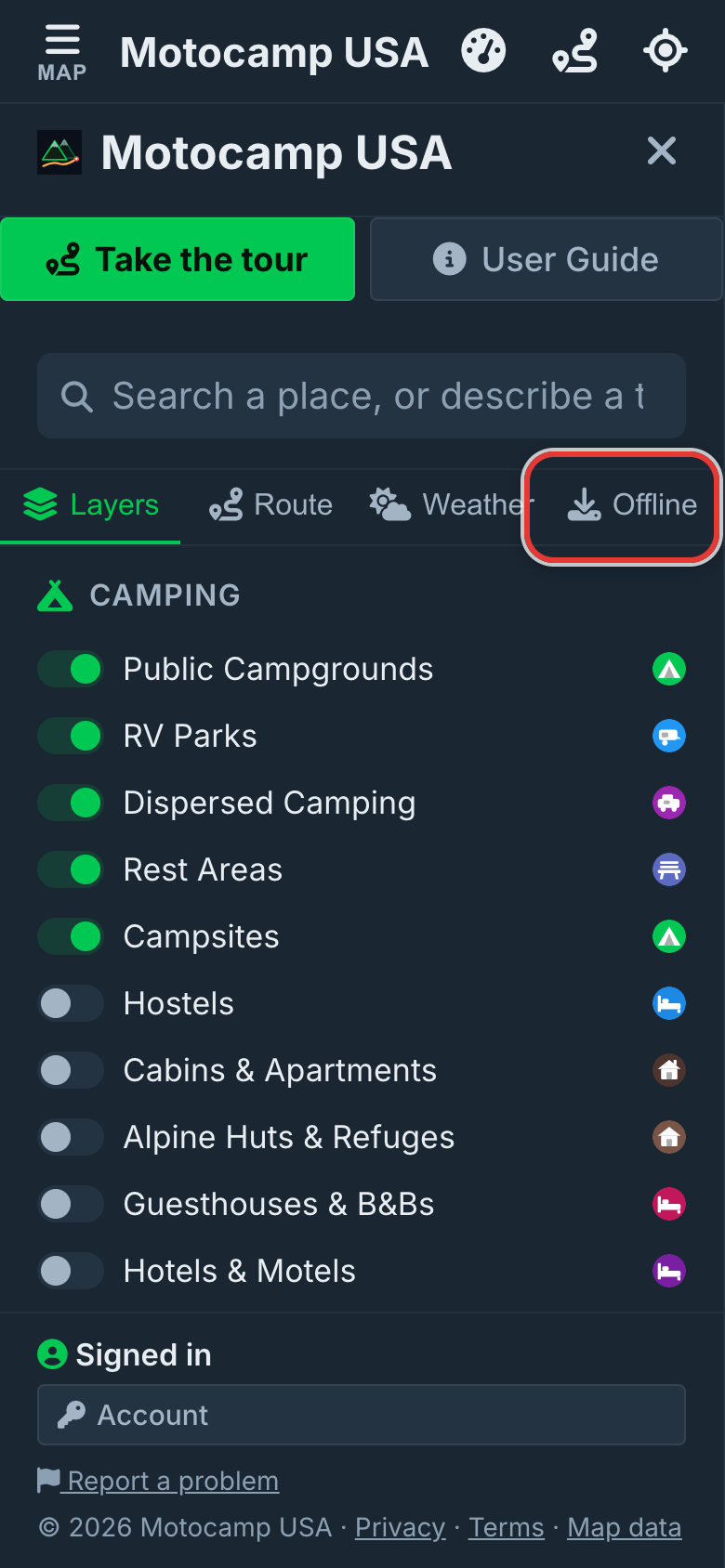
1Open Menu, then Offline
Tap Menu at the top left of the screen. Then tap Offline at the top of the menu. This tab holds everything you can keep on your phone. The downloads are big. Do this at home on wifi before you leave. Keep your phone on its charger if you can.
2Download each state on your trip
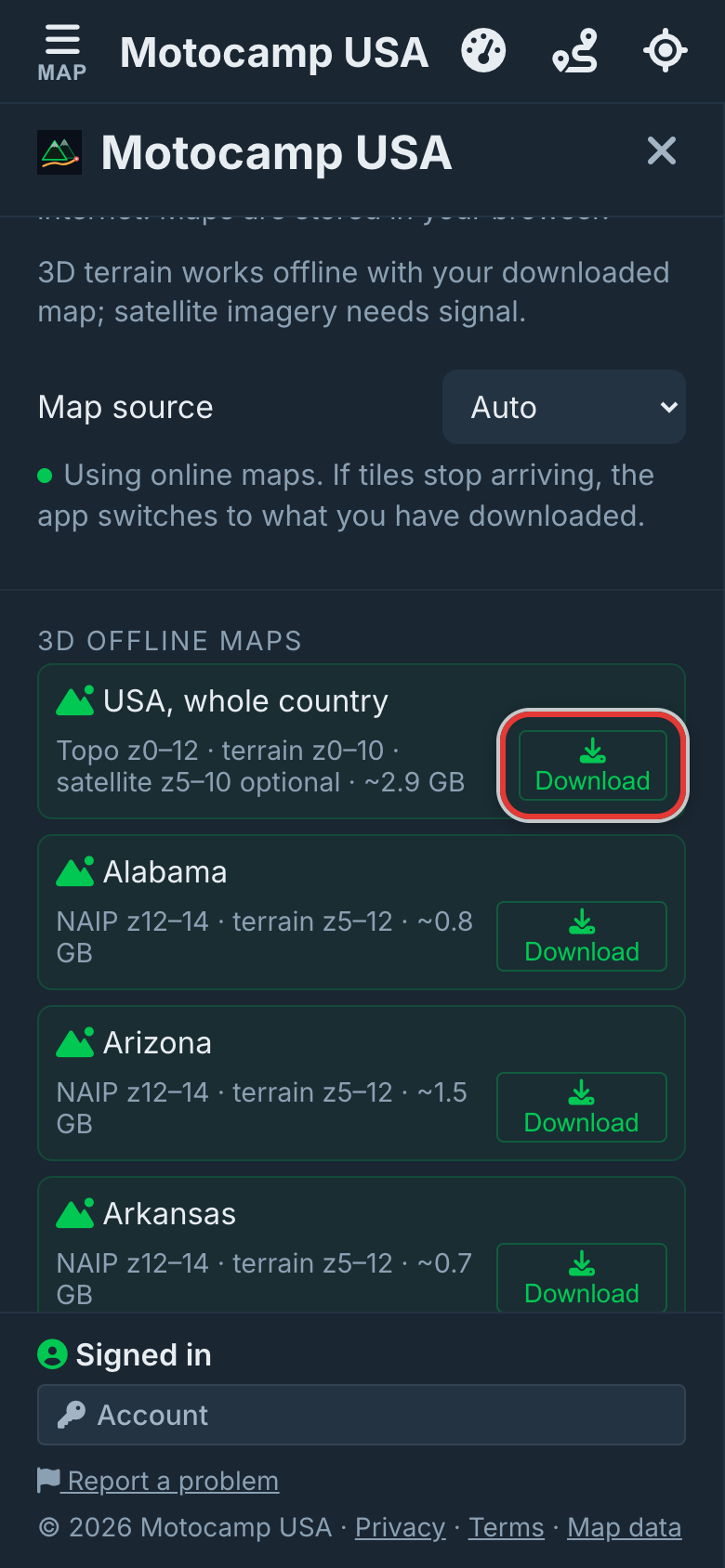
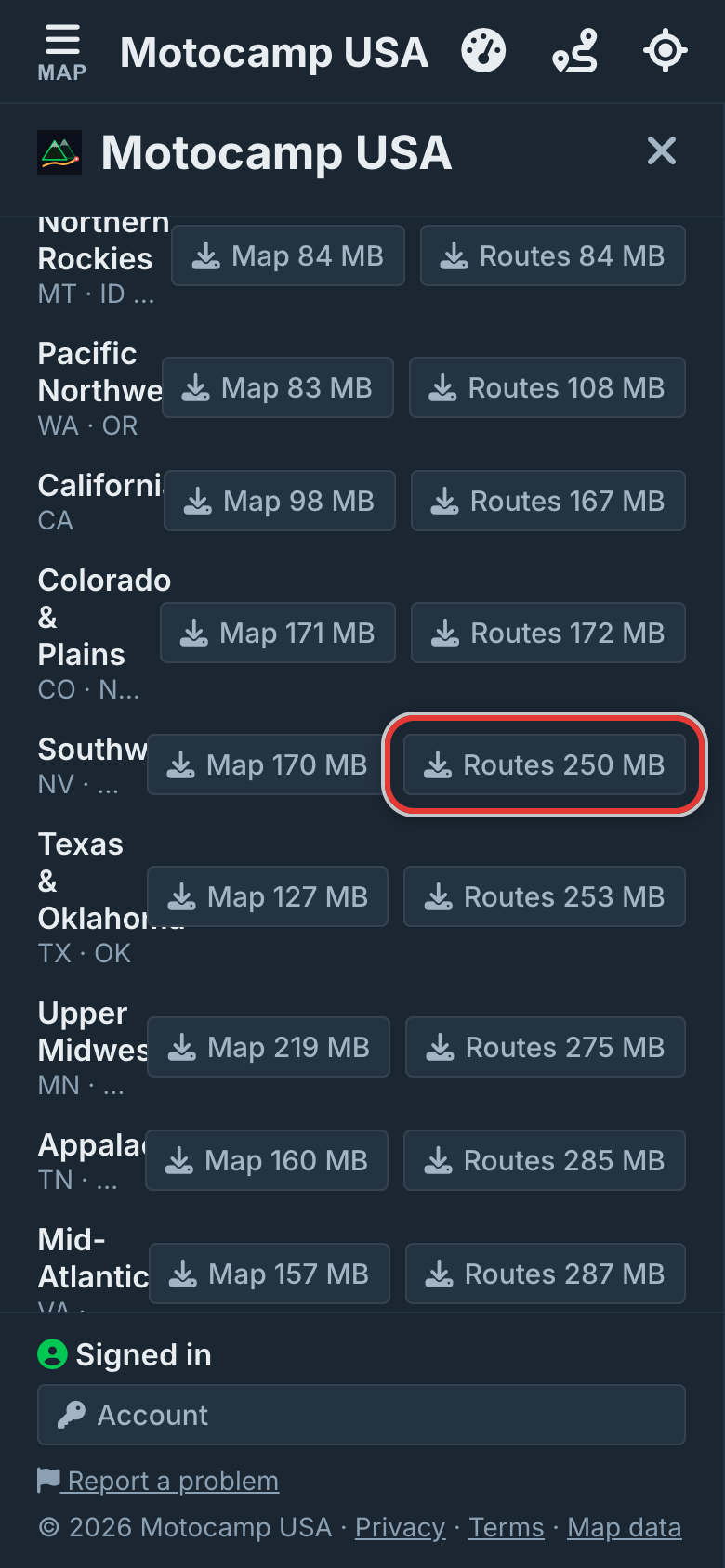
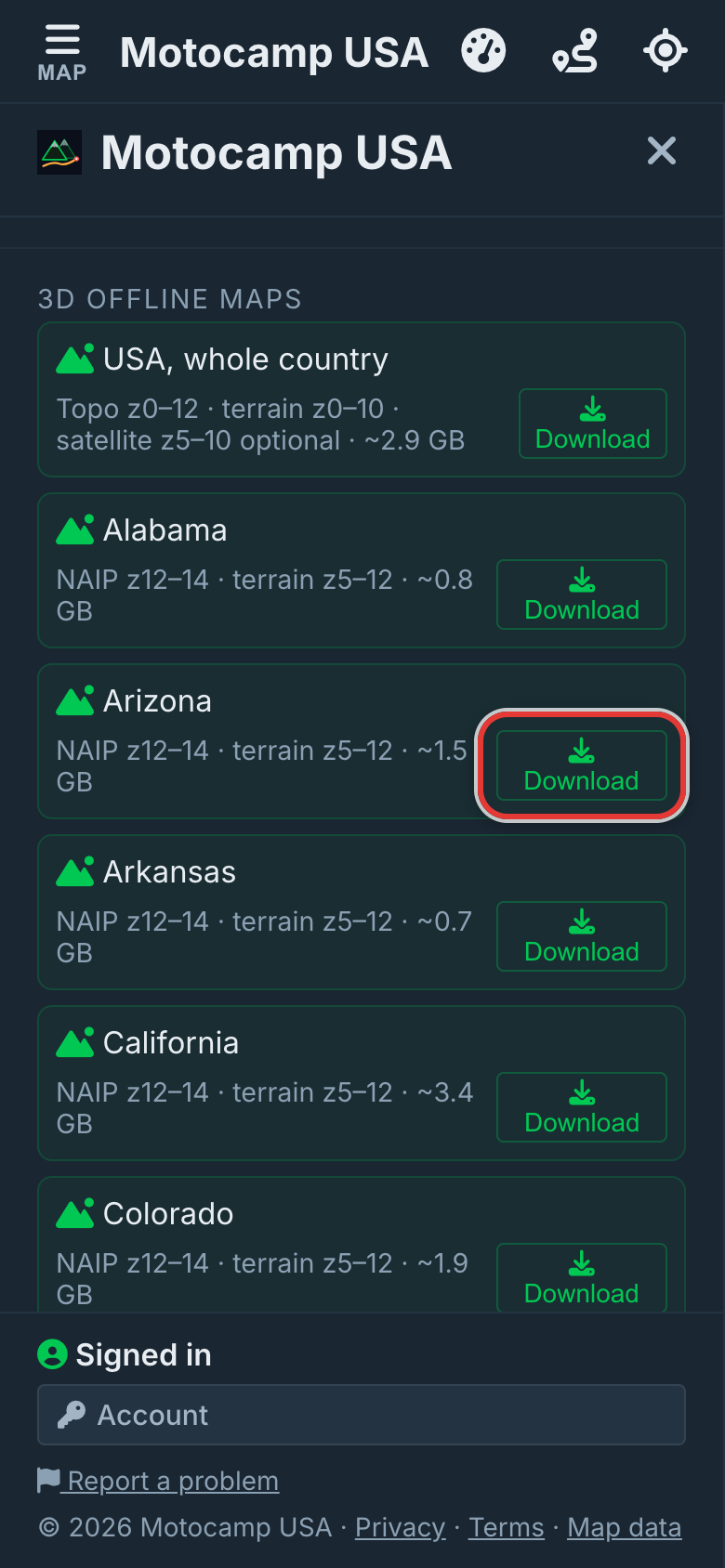
Under Download a state is a list of every state. The state the map shows is at the top. Each one holds the map, the 3D hills and the routes for that state. Its size is under its name. Tap Download for each state on your trip. Keep the app open until it says On this phone. If it stops, tap Get the rest. You won't lose what is already done.
3Leave Map source on Auto
Near the top of the Offline tab, tap Advanced. Map source is inside. Leave it on Auto. Auto uses the online map when it can. When nothing comes through, it moves to your downloaded map by itself. Then it moves back. Offline only always uses your download. Online only never does. The line under Advanced says which map it is using now.
4Head out and tap Nav
With no signal, the map, place names and 3D hills still show. A route you planned stays on the map. Tap Nav, and it still says each turn out loud with your phone's own voice. You can plan a new route in any state you downloaded. Live things like rain radar, new weather and fire updates need a signal.
Good to know
States next to each other join up, so a route across the line plans as one. Once a state is on your phone, a Satellite (optional) line shows under it. Tap Satellite to add sharp photos from the air. They are big, and you don't need them for the map or routes. Alaska and Hawaii have no satellite photos or 3D hills. Your maps are kept in your phone's web browser. If you clear your browsing data, they go too. On a phone, the app may offer to download the state you are in. Tap Download on that card, or Not now. Stop ends a download part way.
Also in the app: turn by turn navigation, campgrounds and free sites, and Plan with AI. It plans routes for eight kinds of vehicle, from an enduro bike to a 40-foot RV.